InsightsFive signs your LMS is working against your L&D team
1 April 2025 · Blitz Learning team
Five signs your LMS is working against your L&D team
If your administrators spend more time fighting the platform than designing learning, that's a problem. Five warning signs and what good looks like.
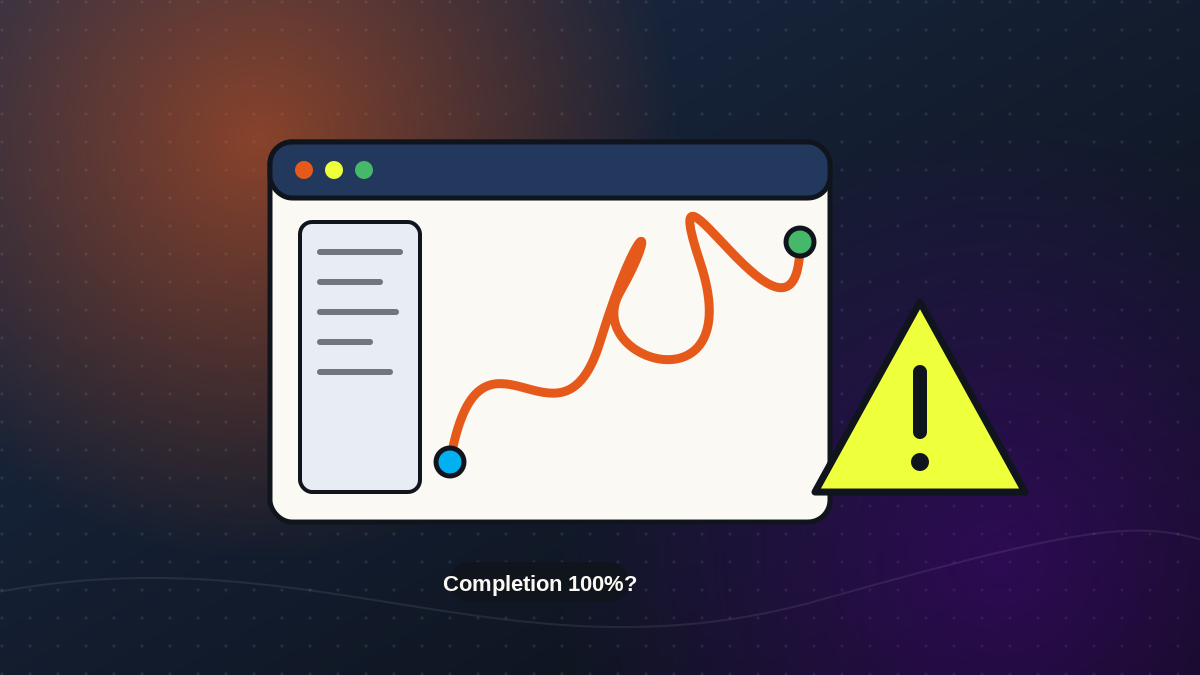
An LMS should make learning easier to run. In many organizations it does the opposite. The L&D team spends its week wrestling with enrollments, reports and workarounds instead of designing learning.
Here are five signs your platform has become part of the problem, and what to do about each.
1. Admin work is crowding out design work
If your team spends more time on manual enrollments, chasing completions and fixing user records than on understanding needs and building learning, the platform is costing you more than its license fee.
What good looks like: rules-based enrollment (by role, location or event, such as a new joiner), automatic reminders and certification renewals, and an HR integration that keeps user data in sync without spreadsheets.
2. Learners can't find anything
When learners can only find a course by following a link in an email, the catalog isn't doing its job. Poor search, cluttered home pages and long, unlabelled lists tell people that learning here is an obligation, not a resource.
What good looks like: search that understands what people mean, recommendations based on role and skills, and a home page that shows each person what is relevant to them now.
3. Your reports answer the wrong questions
Most LMS reports show who completed what and when. That is necessary for compliance, but it says little about whether learning made a difference. If getting anything beyond completions means exporting to spreadsheets, your measurement will stay at the shallow end.
What good looks like: reporting you can filter by team, role and skill, assessment-level data (which questions people get wrong), and a way to connect learning data with the business measures your leaders care about.
4. Mobile is an afterthought
If the mobile experience is the desktop site squeezed onto a phone, your frontline and field teams are effectively locked out. They are often the people who most need timely learning.
What good looks like: a responsive or native mobile experience, offline access where connectivity is poor, and content designed for small screens.
5. Every change needs a ticket
New branding for a business unit? A partner academy? A small change to how a course is assigned? If each of these means a support ticket, a vendor quote and weeks of waiting, the platform is slowing the business down.
What good looks like: academies or portals you can set up yourself for different audiences, roles and permissions you control, and configuration that doesn't need a developer.
Before you switch platforms
Changing an LMS is expensive and disruptive, so be honest about the cause. Some of these problems come from how the current platform was set up, not from the platform itself. Check that first. Then write down the outcomes you need (less admin time, better discovery, better data) and judge any new platform against those, not against feature lists.
We built BlitzLIS, our AI-native learning platform, around these exact frustrations. Whatever you choose, we're happy to help you weigh it up.