InsightsDesigning for neurodiversity: what L&D teams often get wrong
1 March 2025 · Blitz Learning team
Designing for neurodiversity: what L&D teams often get wrong
Most digital learning is designed for one type of learner. Five common mistakes and practical ways to design for everyone.
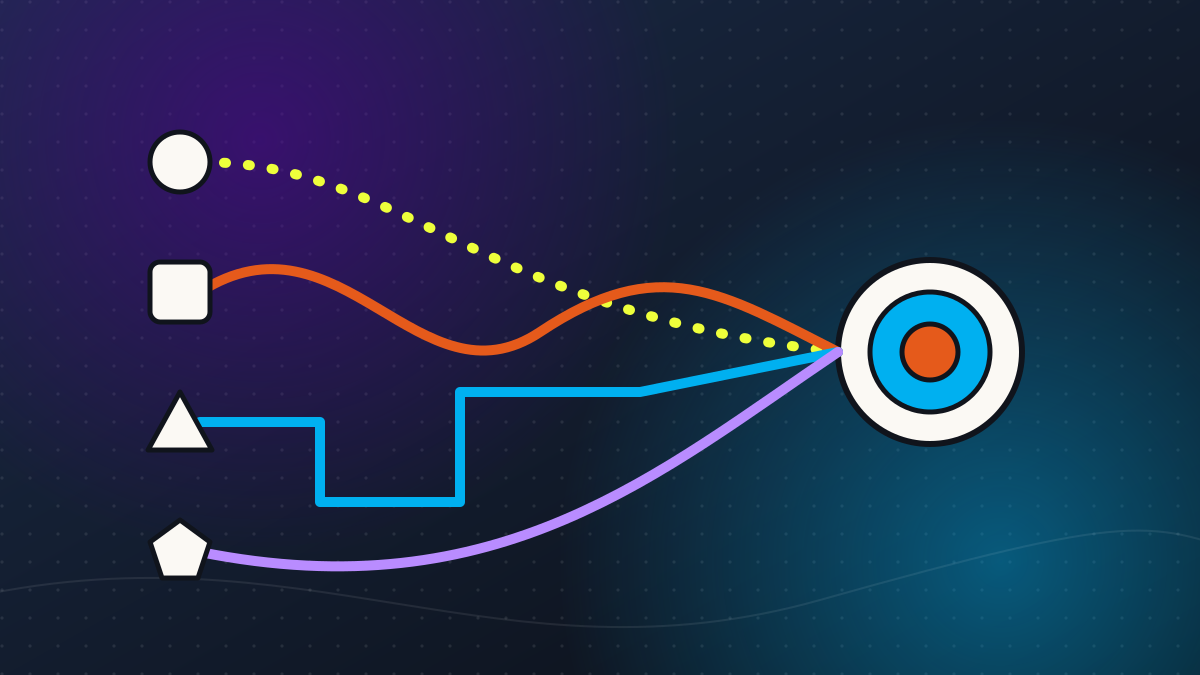
Most digital learning is designed for one kind of learner: someone who reads comfortably, focuses for long stretches, processes information quickly and isn't bothered by busy screens, auto-playing audio or ticking timers.
Many of your people don't learn that way. Neurodivergent learners, including people with ADHD, autism, dyslexia, dyspraxia and others, are part of every workforce, whether or not they have told you. Designing with them in mind tends to make learning better for everyone.
Five common mistakes
1. Treating accessibility as a checklist at the end. Alt text and captions matter, but if they are bolted on just before launch, the bigger design choices (structure, pace, interaction) have already been made for one kind of learner.
2. Overloading the screen. Dense text, decorative animation, background music and several things competing for attention at once can make content hard or impossible to use for some learners.
3. Forcing one pace. Locked navigation, timed questions and narration that can't be paused or sped up all assume everyone processes at the same speed.
4. Using one format for everything. A text-only course excludes some people. So does a video-only one. Learners differ in which formats work for them, and the same learner may need different formats on different days.
5. Hiding the point. Vague instructions, surprise assessments and unclear progress raise anxiety and make it harder to focus on the actual learning.
What to do instead
A practical starting point is the Universal Design for Learning framework from CAST. It encourages giving learners several ways to engage, several ways to take in information and several ways to show what they know. The UDL guidelines are free and written for practitioners.
In practice, that means:
- Clear structure. Tell learners what they will do and why, show where they are, and keep navigation predictable.
- Learner control. Let people pause, replay, change speed and revisit. Avoid timers unless time pressure is the skill being trained.
- Calm screens. One main idea per screen, plenty of space, readable type, and motion and sound that learners choose to turn on rather than off.
- Choice of format. Pair video with transcripts, offer audio for text-heavy content, and let people practice by doing, not just by reading.
- Plain language. Short sentences, familiar words, and terms defined the first time they appear.
- Low-stakes practice. Plenty of chances to try, get feedback and try again before anything is assessed.
Involve the people you are designing for
The best way to find out what works is to ask. Include neurodivergent colleagues in early reviews and pilot groups, and make it easy for any learner to give feedback or request an adjustment without having to explain why.
Inclusive design is not a separate project. It is good learning design, done on purpose. If you'd like a review of your current courses with this lens, get in touch.